


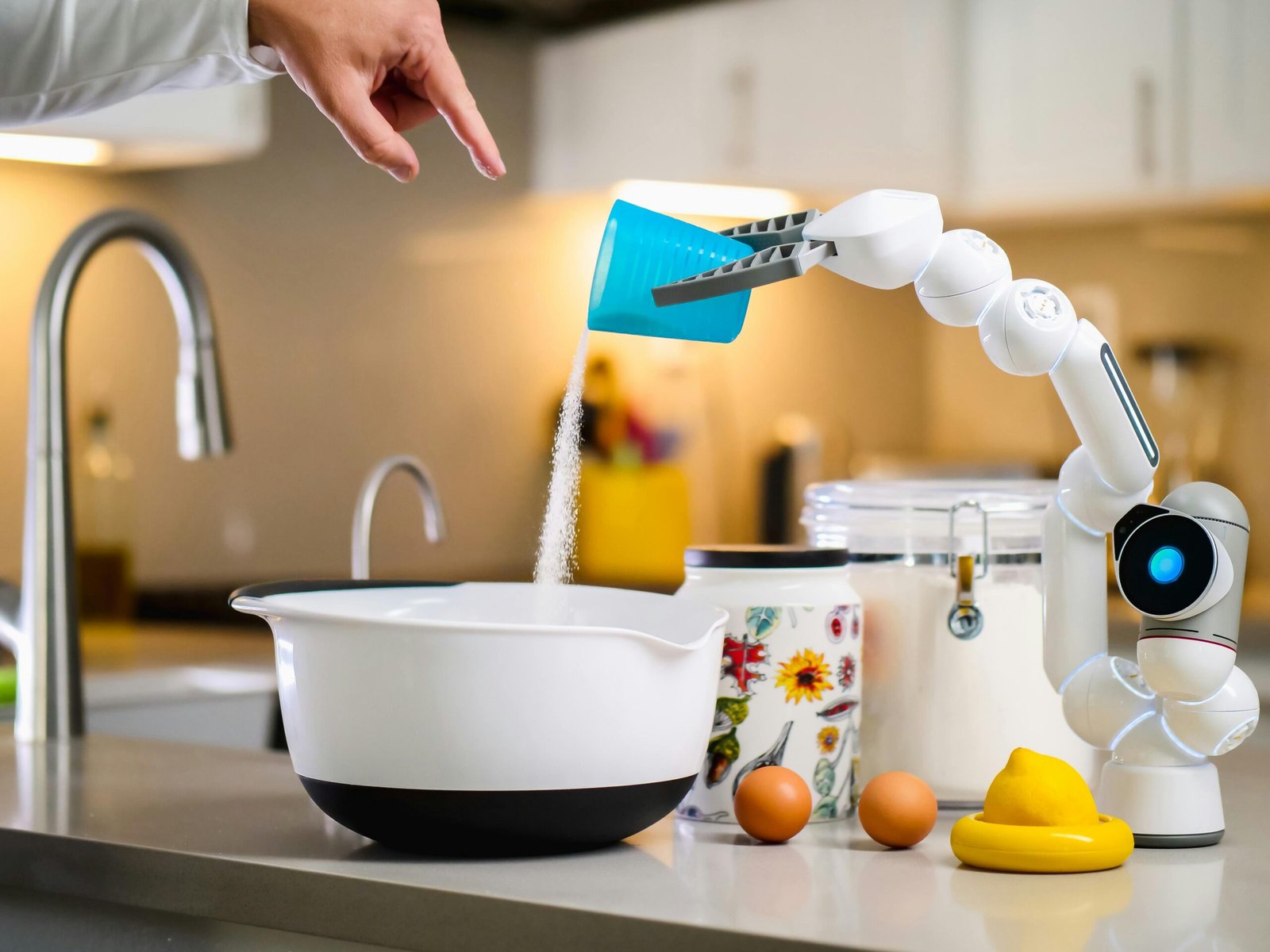
introduction
At 7:30 a.m., your alarm rings—and before your feet have even touched the ground, your phone has automatically changed your calendar and moved the meeting you forgot about, reminded you to get ready for a presentation, and provided the fastest way to get to your first appointment. There is absolutely no panic and no rush to get everything done; instead you are going to have the feeling that your day will simply ‘be handled’ for you.
This is not a distant future outlook. Rather, it is an example of what technology is already able to do for us because of AI-assisted devices allowing the devices to learn our behavior and help us eliminate the inconvenience of trying to plan our daily lives. As both our work and personal lives continue to become increasingly complex and overwhelming regarding time management, creating schedules manually is starting to cause us to feel that it is more about unnecessary hassle and not about discipline.
The intent of this article is to discuss how you can leverage AI-assisted devices to automate your schedule through three primary approaches: utilizing AI-natively with your calendar and communication tools, applying predictive intelligence for priority of tasks, and developing adaptive routines based on your previous experiences. Together, all three strategies will allow you to turn your schedule from something that is reactive into something that proactively runs in the background, working to meet your needs as they arise.
The Growing Popularity of Smart Scheduling Solutions
Before going into tactics for using this technology; however, it’s important to know how these systems differ from traditional digital calendars which were simply a form of information storage and required manual input to arrange events around.
In contrast, AI tools have much greater capabilities.
These tools perform functions such as behavior analysis, identifying and making sense of your schedules; as well as understanding what you mean when you communicate to your assistant and what your needs and wants are so they can handle the coordination.
In studies examining workplace productivity, professionals consistently report spending hours each week creating and managing meetings; by automating this process with scheduled event technology, you get that time back.
So in addition to saving time, there is also clarity that comes from relying on these tools.
1.Integrate AI into Core Productivity Tools
The first step to automation is connectivity. Only by having AI assistants connected to the ecosystem where you are spending your time will they be useful.
Importance of Integration
Disjointed tools create a hidden workload. Without your email, calendar, task manager, and messaging apps communicating, you have to act as a middleman between them.
AI can eliminate this burden.
Some integrations provide the following capabilities:
- The ability to schedule meetings automatically from email requests
- The ability to trigger smart reminders from messages
- The ability to edit calendar entries in real time
- The ability to create events by voice
- The ability to detect conflicts across various platforms
Real-World Example
You get an email that says, “Are you available on Thursday afternoon?” Instead of having to check your calendar manually, an AI assistant can do the following within seconds:
- Check availability
- Suggest time slots
- Send you booking options
- Automatically add the confirmed meeting to your calendar
How This Is Different from Traditional Tools
Old-school scheduling tools required you to enter data continuously. You had to remember everything.
AI assistants operate more like an executive coordinator. They watch, make suggestions, and execute the work you need done.
Best Practice: Start with one ecosystem (Google Workspace or Microsoft 365) to avoid fragmentation of automation.
When you have all of your tools unified, the assistant becomes part of the underlying infrastructure instead of just a feature.
2.Utilize Predictive Intelligence to Rank What Truly Matters
Scheduling isn’t just about filling time slots — it’s protecting our focus.
One of the underestimated advantages of AI is predictive prioritization. Rather than only responding to tasks as they come up, AI assesses how urgent, busy, and due out the task is and uses this historical data from your previous schedule to determine how many hours to block on your calendar for a task.
What Does Predictive Scheduling Look Like?
Some of the features that an advanced assistant can provide include:
- Establish your most productive days/times of the week
- Give you suggestions for optimal blocks of deep work
- Shift out low-value meetings
- Eliminate calendar overload by managing your calendar for you
- Provide ideas for prep time before big events
As you continue to utilize the predictive scheduling of an advanced assistant to use their data as a predictive schedule, they will develop a surprisingly accurate data set.
Supportive Insight
Research from behavioral Sciences shows that as the day progresses decision fatigue continues to build. Therefore all the small scheduling decisions [that] you make throughout the day are draining your cognitive bandwidth.
The automation of scheduling provides you hundreds of micro-decisions as time saved.
Practical Example:
An AI assistant may help a manager prepare for their quarterly review by:
- Blocking out 2 hours for prep work
- Turning off all notifications that aren’t urgent
- Rescheduling optional meetings
- Providing a reminder and key docs the morning of the review
- Therefore, you not only saved yourself time but you preserved your mental capacity.
Why This Approach Is Different:
Many people, even to this day, will manually prioritize their schedules and will do so using emotional reasoning rather than using data-driven and proven methodology.
Using Predictive Intelligence for scheduling takes the emotion out of the process and provides a more data-driven method for building your schedule.
Tip for immediate action:
Let your assistant make suggestions for scheduling changes rather than taking them as recommendations.
3.Develop Evolving Routines that Adapt to Your Lifestyle
Routines that are fixed or static do not endure well in the natural world. Meetings run over; emergencies occur; energy levels fluctuate.
The best Artificial Intelligence (AI) scheduling systems do not impose rigid plans but rather continuously adjust to meet the user’s needs.
Dynamic Automation Ability
Each adaptive assistant learns based on patterns such as:
- Where you usually commence work
- The amount of time tasks consume
- Meetings you tend to reschedule
- The location of your focus drops
- Over weeks, your schedule feels less arbitrary and more organic.
Example of Adaptive Technology Implementation
For instance, if you frequently push back your early morning strategy sessions, an AI system could ultimately suggest holding them in late morning when your engagement level has improved historically.
This is an issue of optimization rather than just automation.
Bulletproof Routine Creation Framework
When you create an adaptive schedule, consider doing the following:
- Audit your present week by determining which locations are repeated
- Make recurring events automated so that you will never have to manually enter them again
- Use “smart” buffers to protect the time between meetings
- Evaluate and review the insights from your AI system on a monthly basis, as these are typically used as a metric of success
- Comparison to Traditional Productivity Systems
- The standard time-management paradigm has a heavy emphasis on strict self-discipline.
- Unfortunately, self-discipline without a variable structure produces biological stress.
AI systems create responsive order by finding a middle ground between traditional scheduled (ordered) processes and biologically realistic processes.
Mistakes to Avoid
The technology can be very powerful, but when automation is used passively it won’t work for anyone. Be aware of the following pitfalls:
- Over-automation of your escape time can make your day feel mechanical.
- Complete disregard for any AI recommendations.
- Different assistants try to take control of the same piece of work.
- Boundaries for your work hours should be set.
- Ideally, using automation for your life should be all about freeing up time for you, and not creating a mechanical existence of constant optimizing everything around you.
- Be Purposeful.
The Future of Scheduling AI
We are moving towards calendars that do more than just help with keep organizing our lives.
New capabilities that will emerge in the coming months include:
- Scheduling with respect to the emotions involved in the
process of scheduling, such as stress indicators. - AI will work to coordinate group availability via the use of order of preference of your assistants.
- Autonomous travel planning.
- Contextual reminders based on where we are and what we are doing, thus triggering the reminder.
- The end result of the above is that in the not too distant future managing your day by hand will feel as obsolete as looking up directions in a map.
The only question will not be whether or not you should automate, but also how much smarter than everyone you are going to do so?
Conclution
Professional roles will never be the same, as artificial intelligence (AI) transforms our perception of how we spend time and moves us from scheduling every day to using an invisible support system to make things easier. By linking AI to your productivity applications, leveraging predictive intelligence for improved prioritization, and developing flexible routines that adjust to your behaviors, you create a schedule that works for you, not against you.
What this means is clear: Those organizations that adopt intelligent technologies early will receive many benefits, such as increased efficiency, enhanced focus, and complete strategic control over their schedules.
Next steps include:
- Start with just one assistant and create a deeper connection.
- Trust the data-driven recommendations.
- Regularly review and refine your automations.
The goal is not to give up ownership of your calendar, but rather to keep your attention for the things that are most important.
The call to action
to stop managing your calendar with paper and pencil. Allow AI to do the heavy lifting so that you can focus on those things that only humans can do: creative thinking, solving meaningful problems, and progressing with intention.