


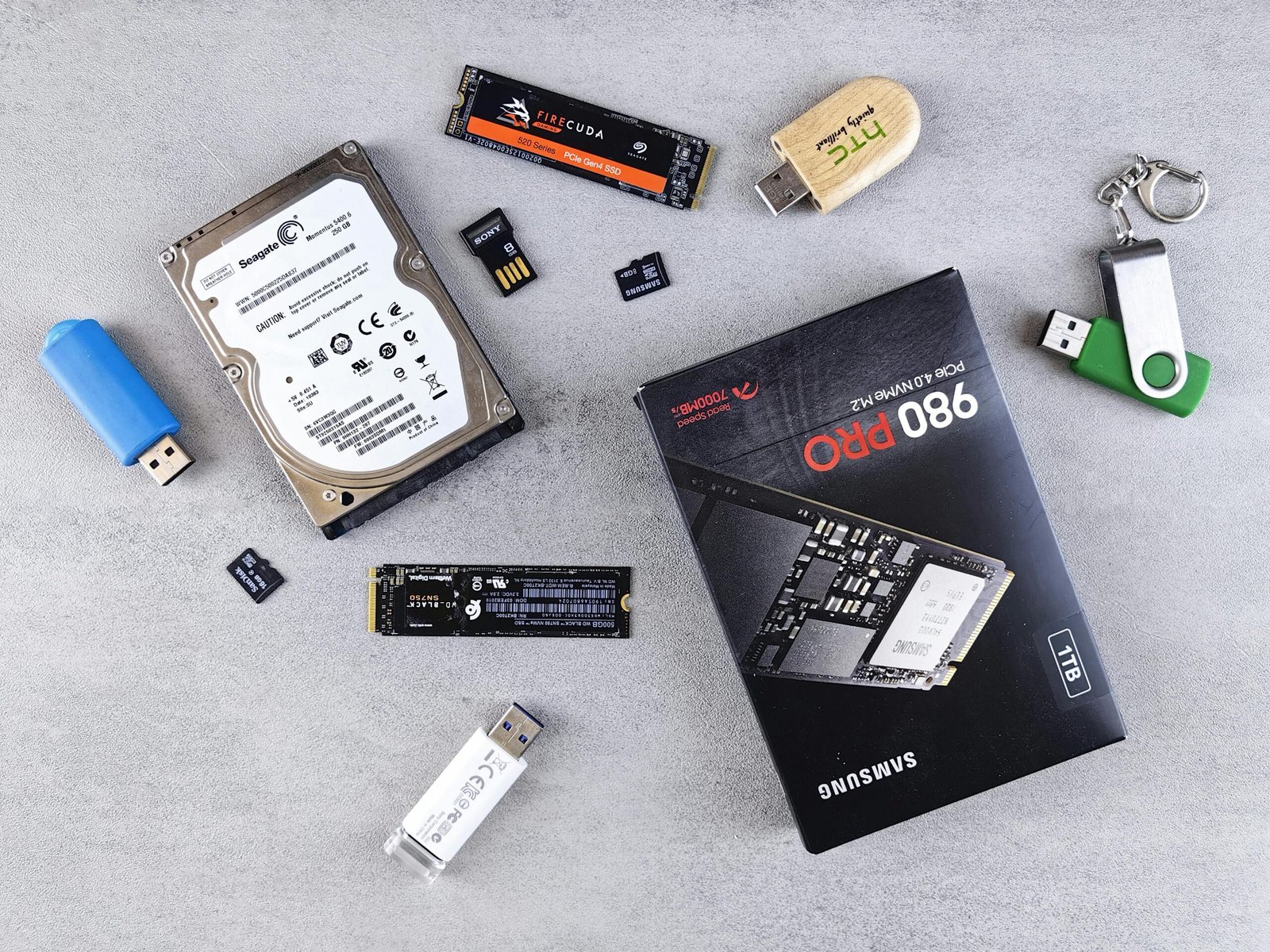
introduction
The business company was at risk of losing business from a significant customer after experiencing a lengthy wait time for a presentation file to be loaded; it was not an issue with memory or processing power; the problem was in the way the storage drive was designed to work. After switching from a traditional hard drive to a solid-state disk, the speed with which files opened was unbelievable, systems booted quickly and productivity increased significantly without adding more employees.
The selection of the right storage option has become a critical element in the overall success of a business today since they have to accommodate the use of larger files, faster processes and extremely sophisticated applications on a daily basis. Whether you are a student, gamer, professional or casual user; the performance of your computer is highly impacted by the drive.
This will be examined through three main categories that will help guide you in making the best decision, based on the factors of performance/speed, durability/reliability and the trade-off of cost vs. long-term value.
Understanding Performance: The Importance of Speed
We all know that when we need to get somewhere on time, it is upsetting to have to wait for the progress bar to complete its dance before we can finally leave the computer. Speed is not just something we desire; it is part of your strategy.
SSD: Made for New Workloads.
Flash memory has no moving parts, and that is what gives it so much speed. It allows for immediate access to your data.
Because there are so many advantages of using an SSD, I will list a few of them below.
1- The boot time is much faster than with an HDD. Many computers with SSDs start in less than 15 seconds, while most computers with HDDs take approximately 45-90 seconds.
2- File transfers happen much faster. A large file such as a video or software program can copy in a fraction of the time necessary to copy the same file to an HDD.
3- When using multiple applications at the same time, and one application launches smoothly while the other is still launching, this is a good example of how SSDs work. This allows for smoother operation of the applications you are using.
For example, a video editor who is editing 4K video can scrub through a timeline much more easily on an SSD than on an HDD.
HDD: Solid and Reliable, but Slower.
HDDs use a spinning disk and mechanical arm to read and write data. These design features have provided good service for many years. Today, however, these same design features are beginning to show their age.
- HDDs are perfectly acceptable for basic tasks such as storing documents and sending emails.
- HDD performance drops significantly with large data sets.
- HDDs can take longer than SSDs to read and write data, as their performance is adversely affected by fragmentation.
Durability and Dependability: The Importance of Strength
While speed is undeniably of utmost importance, the element of strength is just as critical. Fast storage without a secure storage medium renders it useless.
SSDs: Engineered to Tolerate Movement
Due to the absence of mechanical components within SSDs, they exhibit superior resistance against physical impacts.
Strength Features:
- Resistance Against Dropping and Vibration
Reduced Chance of Mechanical Failure
Whisper Quiet and Low-Heat
As such, SSDs are ideal solutions for laptops or mobile workstations.
Research Evidence:
Numerous industry reports and surveys have shown that SSD failure rates (annual percentage) are typically much lower than HDD failure rates (annual percentage) because an SSHD does not have any moving mechanical parts.
HDDs: Durable, but Only Up to a Point
It is within the realm of reason to assert that HDDs are not prone to breakage. They will last for years depending on how well they are maintained.
However, an HDD can sustain impact damage due to its spinning platter and excessive heat buildup can reduce the HDD’s lifespan. In addition, the mechanical components’ wear and tear eventually will lead to failure.
Real World Example:
The past history of IT departments has frequently reported hard disk drive failures due to accidental dropping — this rarely occurs with SSDs.
Differentiation from Hybrid Drives
Hybrid drives (SSHDs) attempt to provide the storage capacity of HDDs and the speed of SSDs by adding a small flash cache. While this combination seems logical, hybrid hard drives usually do not perform at a higher level than full SSDs’.
Conclusion
The SSD versus HDD conversation is less about which type of storage is superior in general and more about which type of storage works best for you.
Recap of three key points:
- Performance: The speed at which an SSD works is significantly faster than that of an HDD. This difference in speed will fundamentally change the way you interact with your computer on a daily basis.
- Strength and Dependability: An SSD does not have any moving parts, so it is far more reliable than an HDD.
- Cost: An HDD is less expensive than an SSD upfront, but an SSD will ultimately save you more money over the long run.
Recommendation
If you are in need of speed, efficiency, or portability, getting an SSD will be one of the best upgrades that you can make to your setup. An SSD is not just a hardware upgrade, but rather an upgrade to your productivity.
HDDs also have their place in the storage market as they were built primarily for larger amounts of data storage, backup, or budget-conscious builds.
The Future of Storage Technology
The trend for storage technology appears to be that it will continue to become faster, quieter, and more reliable. As prices for SSDs continue to decrease and much larger capacity SSDs become available, the gap between SSDs and HDDs will continue to widen.
The Call to Action
Before upgrading your PC, think about what you use your computer for and determine if you often find yourself waiting for an application to load. Do you use more and more data?
Make sure you choose a type of storage that allows you to accomplish your goals, and not one that hinders your progress. A more solid storage solution will be your best bet.
Youre so right. Im there with you. Your weblog is surely
worth a read if anyone comes throughout it. Im lucky I did because now Ive got a whole new view of this.
I didnt realise that this issue was so important and so universal.
You definitely put it in perspective for me.
This weЬsite was… hoѡ do you say it? Relevant!! Finally I
have f᧐und something which helped me. Thanks a lot!
Feel free to surf to my site; Multilingual academic hub